Cart
Your shopping cart is empty!
It's never too late to make things right :)


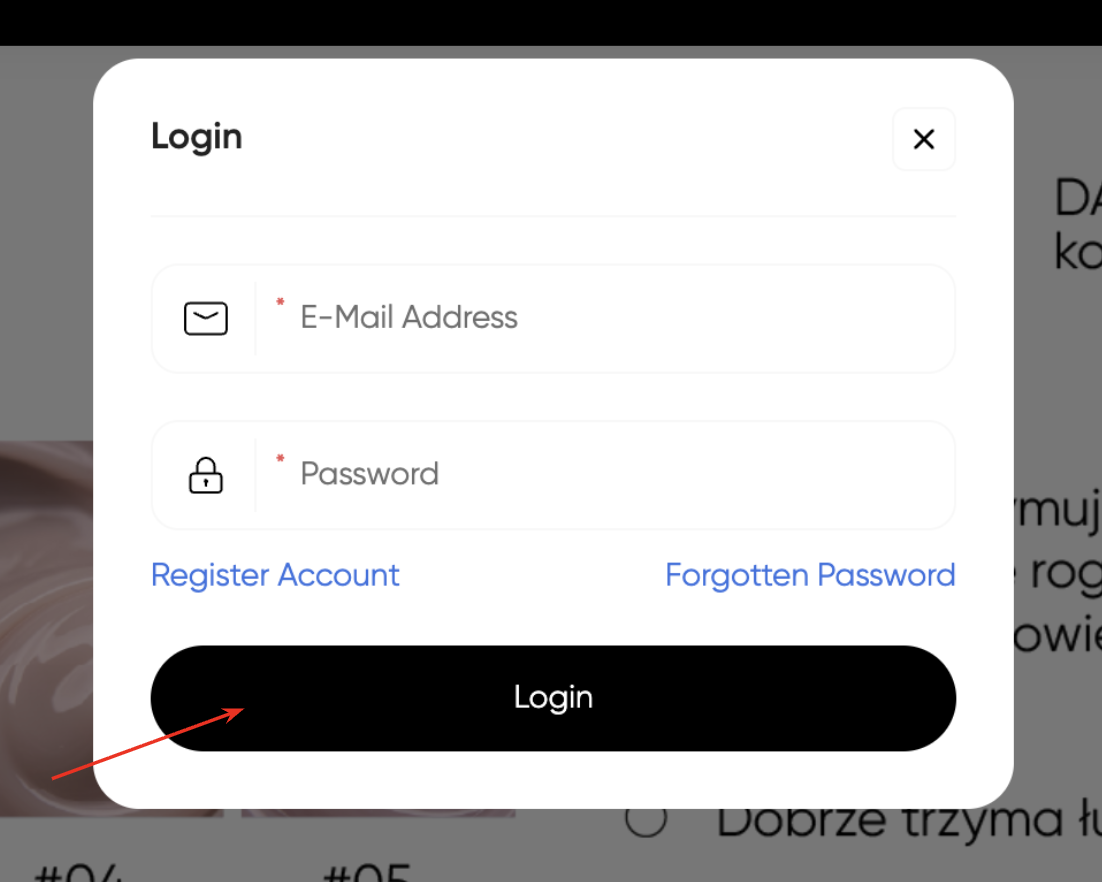
1. To place an order, you must first register or log in to your existing personal account. After that, return to the main page of the website and start placing your order.
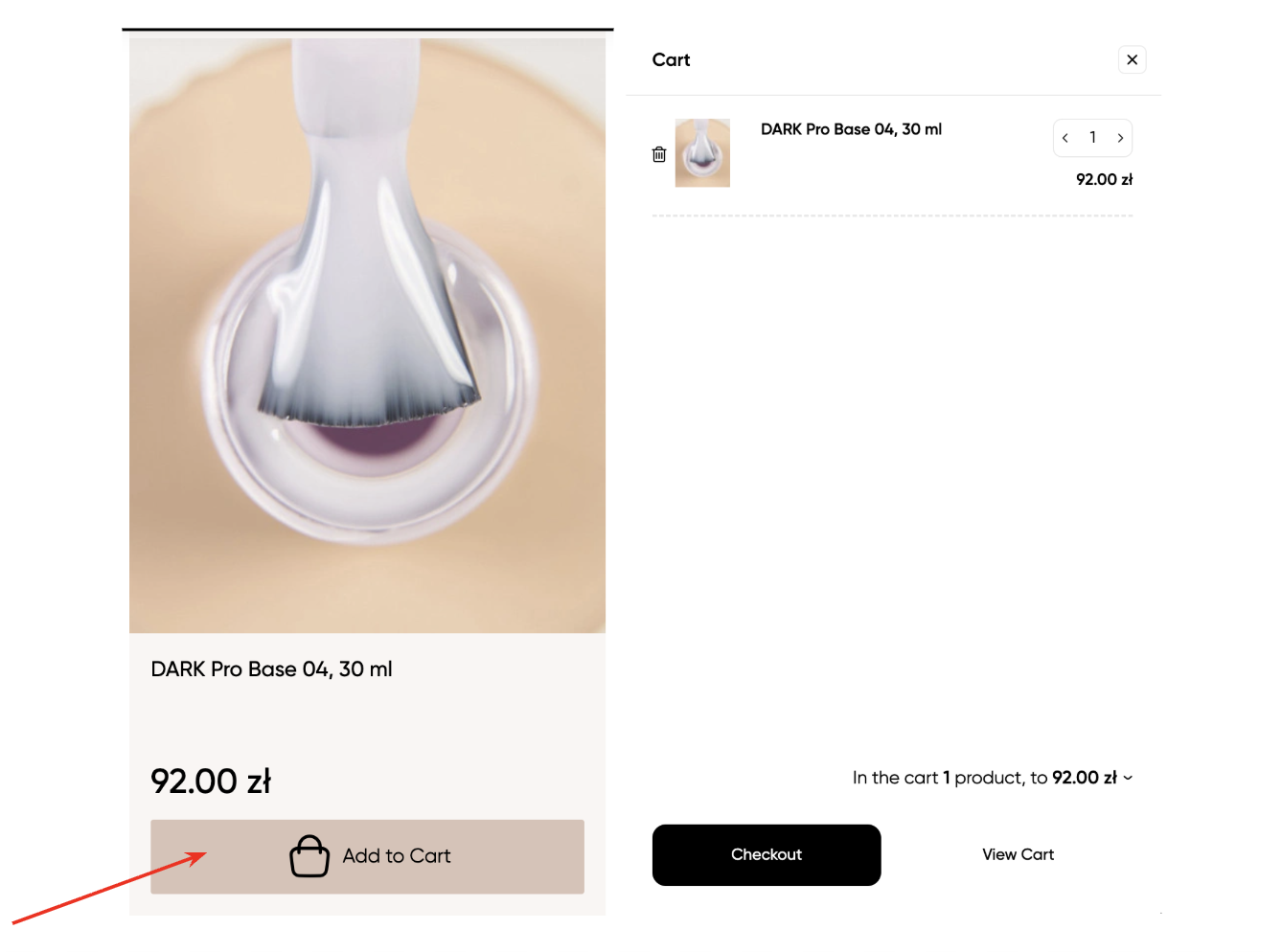
2. Select the desired category and product, and add it to the cart.
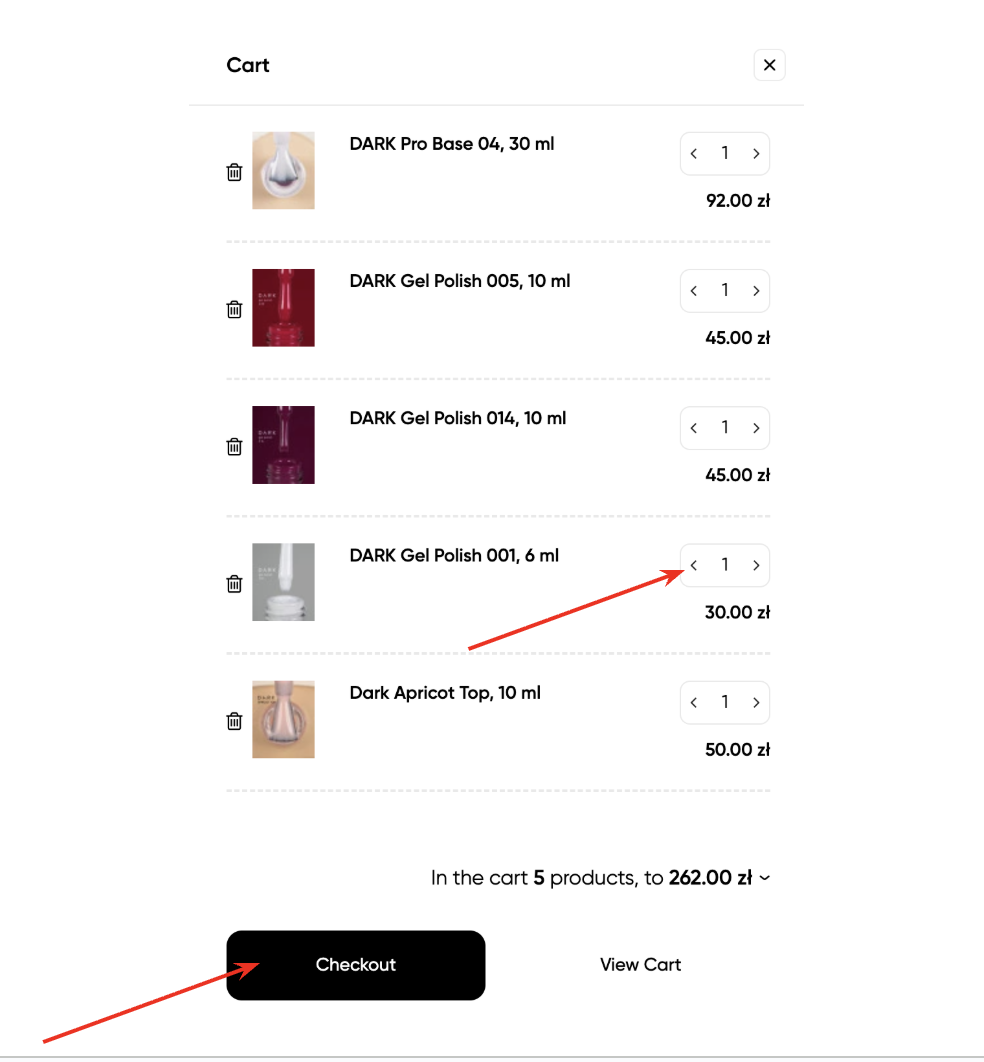
3. If you want to add several items, return to the product selection and continue adding. If you need to increase the quantity, this can be done directly in the cart.
Once you have added all the necessary products, click "Place Order".
4. Next, in the menu on the right, you need to fill in the information regarding the delivery method, contact details, and payment method.
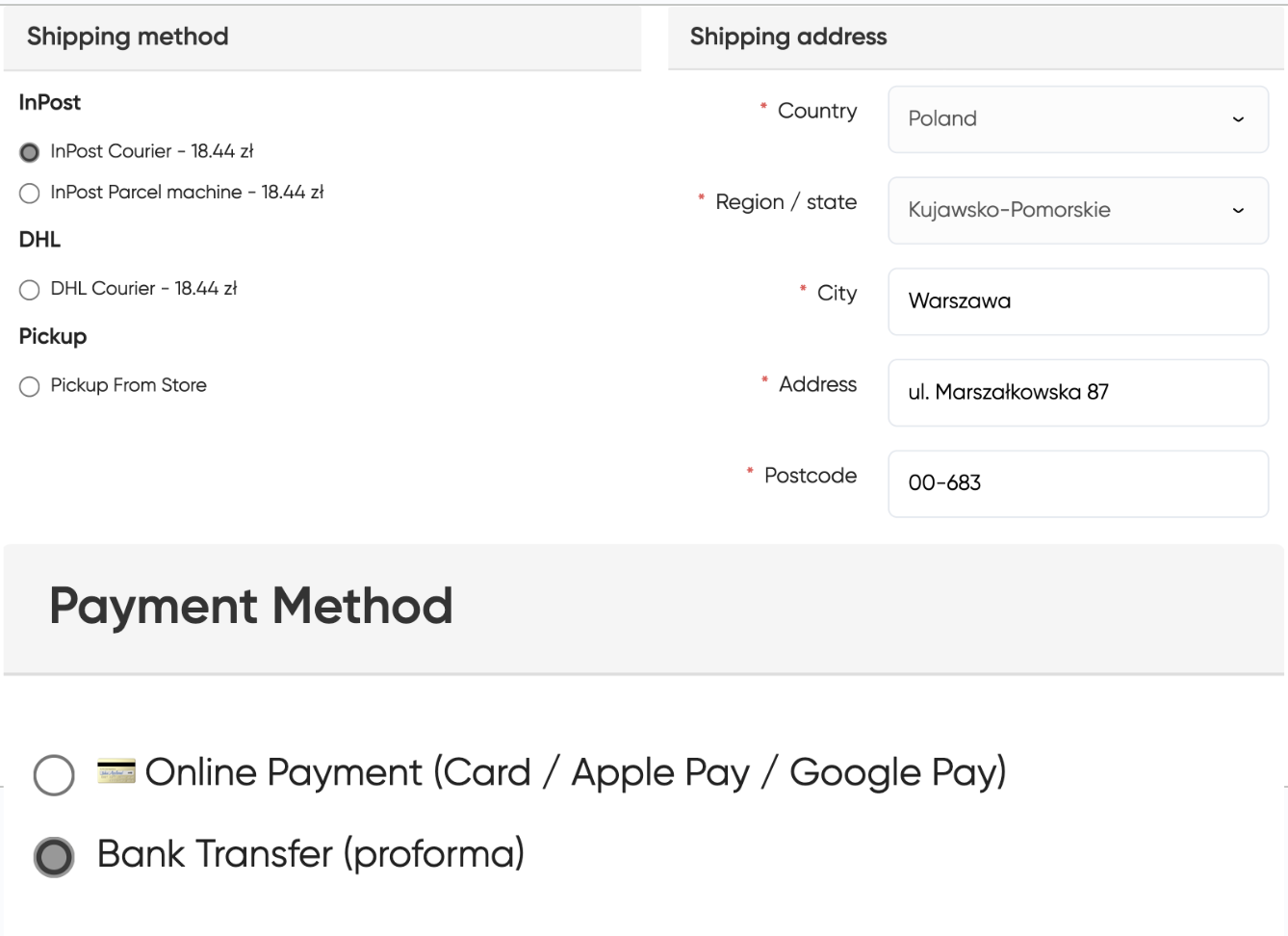
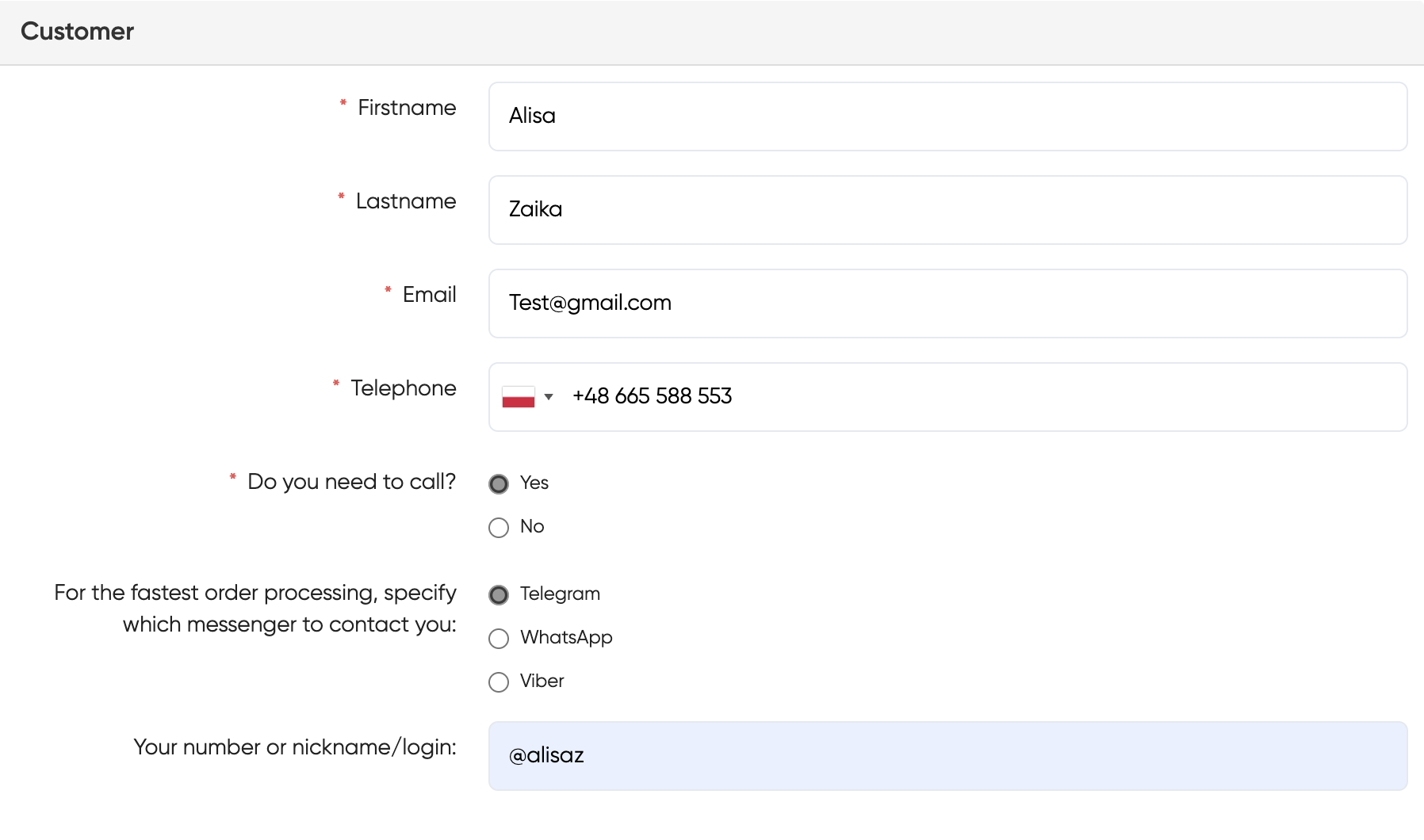
5. Also, below the order, you need to provide the recipient’s details and contact information for feedback.
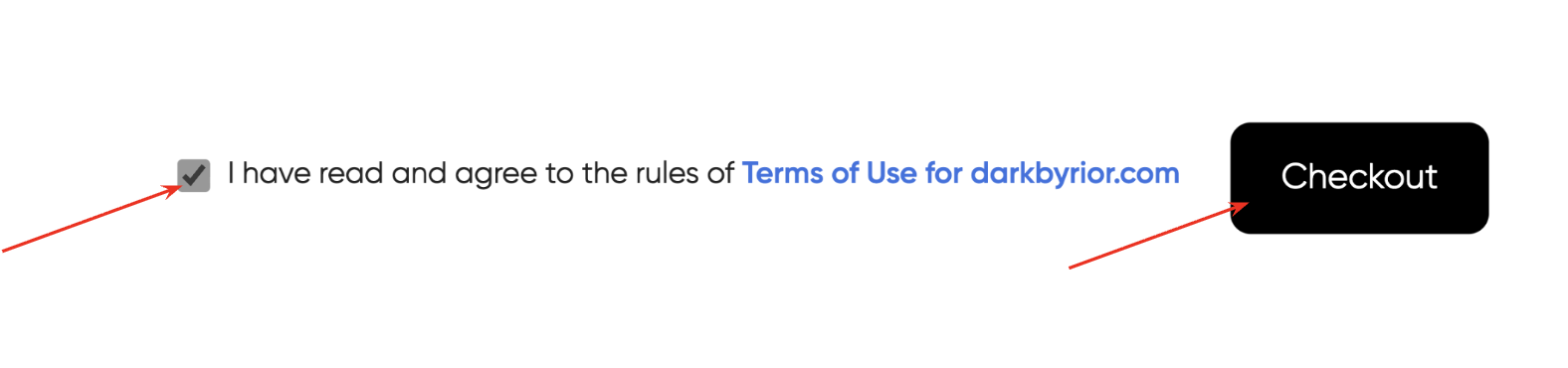
6. After entering all the information, check the appropriate box and click "Place Order".
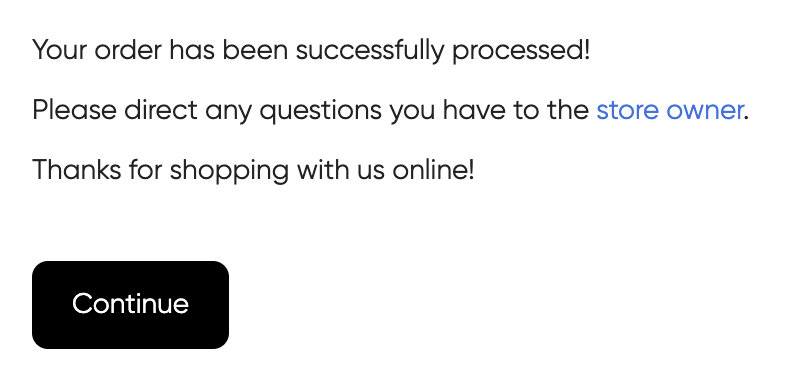
7. You will receive a confirmation of a successful order. Next, wait for it to be processed and for further communication from the manager.